
Record a cash or check donation
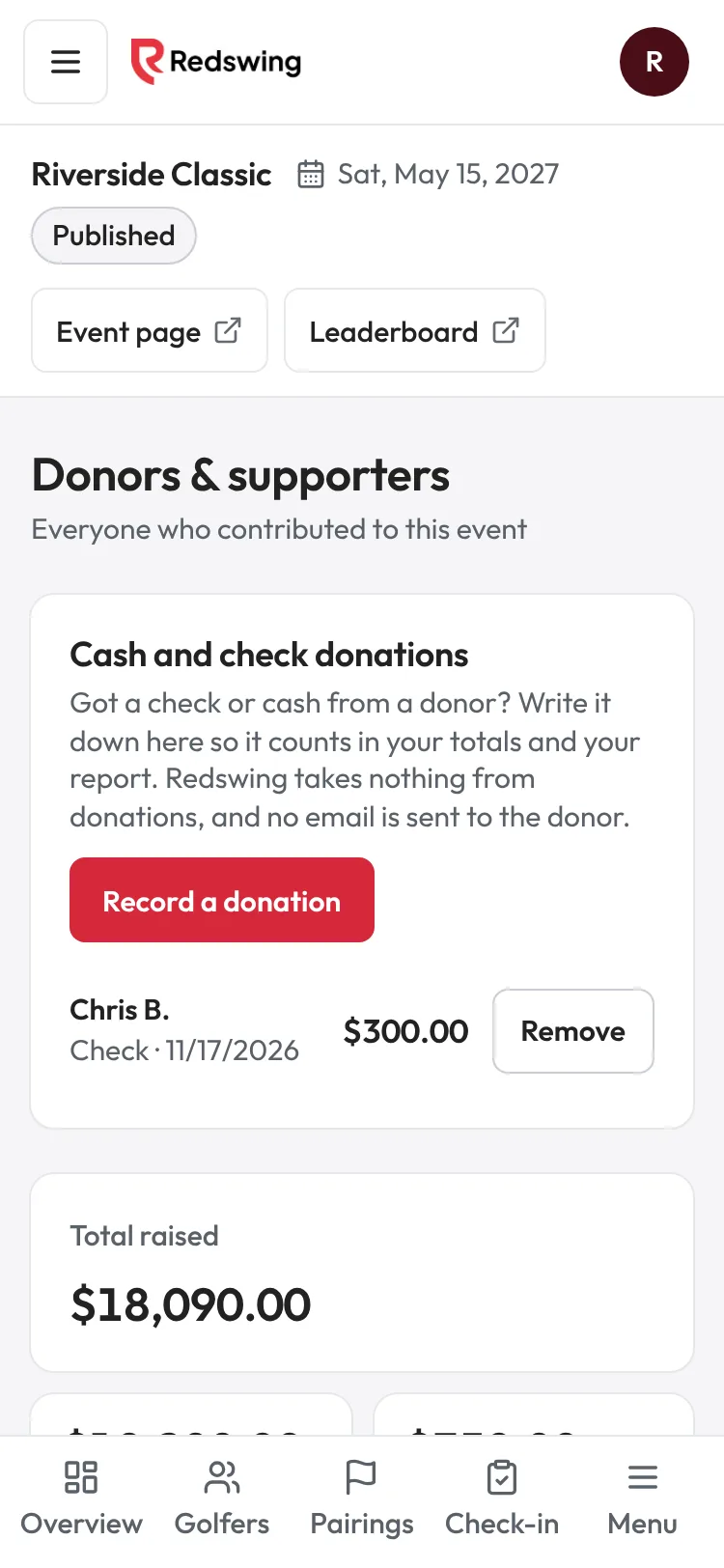
Step 1 of 6: Got a check or cash at the event? Open Donors and tap Record a donation.
Sample event. Not real data.
Supporters who cannot play can still give. Every published event page already has a section called Can't make it? Support us anyway. with amount buttons and a Donate now button. You do not have to turn it on.
Draft for legal review: This article describes how Redswing works in plain language. It is not tax or legal advice and an attorney has not reviewed it yet. Ask your tax advisor or attorney about your own situation.
The short version
- Donors pick $25, $50, $100 or $250, or Donate now to choose their own amount.
- You see each gift on the Donors page and in your totals.
- Redswing takes nothing from a donation. The only cost is your card processor's own fee in your Square account.
What donors see
With card payments on: a Donate page with the amount buttons ($25, $50, $100, $250, $500) or Or enter another amount, in dollars, optional Your name, Email for your receipt (required), an optional Message, and an optional, unticked box to add the card fees (see The "cover the card fees" box). They pay by card, and a thank-you email goes out with the "Donation thank-you" message. You can change that wording in Customize your emails. The money goes to your organization's Square account.
With card payments off: the donate page says "This event doesn't take card payments online. Leave your details and [your charity] will contact you about giving directly." They leave a name, email and note, which you see in Messages from your event page on the Donors page. See The Donors page.
Choices you control
| Choice | Where | What it does |
|---|---|---|
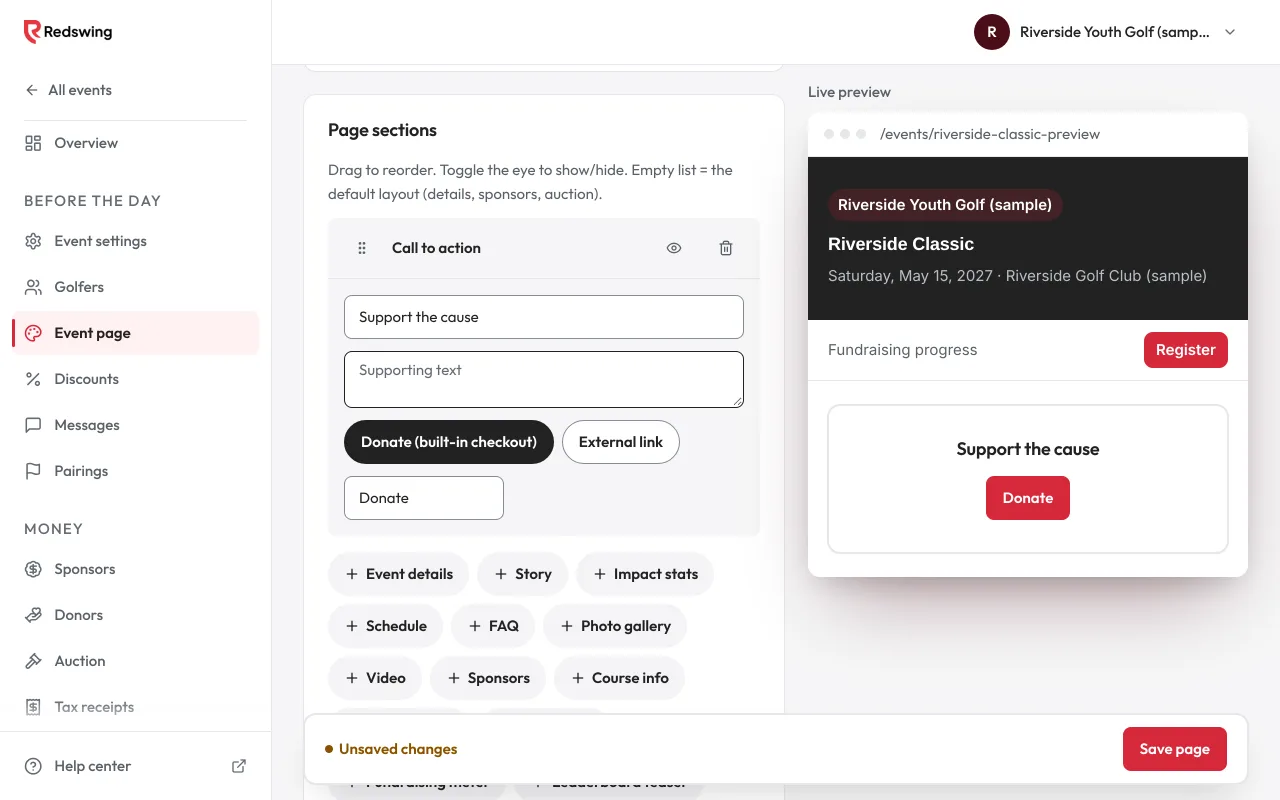
| Add another Donate button | Event page > add a Call to action section > Donate (built-in checkout) | Puts a button with your own label higher on the page. |
| Send donors to your own site | Event page > Call to action > External link | Opens your link instead of the built-in checkout. Gifts made there are not tracked in Redswing. |
| Show the total raised | Event page > Fundraising meter section | See Set your fundraising goal and show the meter. |
If a donor ticks the cover box, the gift on your Donors page and in the thank-you email is the gift only. The extra amount is not part of the gift, and Redswing emails the donor an itemized receipt.
Cash and check gifts
Donors who hand you cash or a check are recorded by hand. See Record a cash or check donation. Hand-recorded gifts do not send an email to the donor.
What Redswing does NOT do
- It does not hold your donations. They go straight to your organization's Square account.
- It does not decide what is tax-deductible. See Sending tax receipts.
- Player fundraising pages are on hold. See Player fundraising pages.
- The sample event never takes donations.
Do this next
Screenshots show a sample event. Not real data.