
Who can do this: Admin or Editor
Steps
- Open Event settings and find the Display card.
- Turn off Show leaderboard publicly.
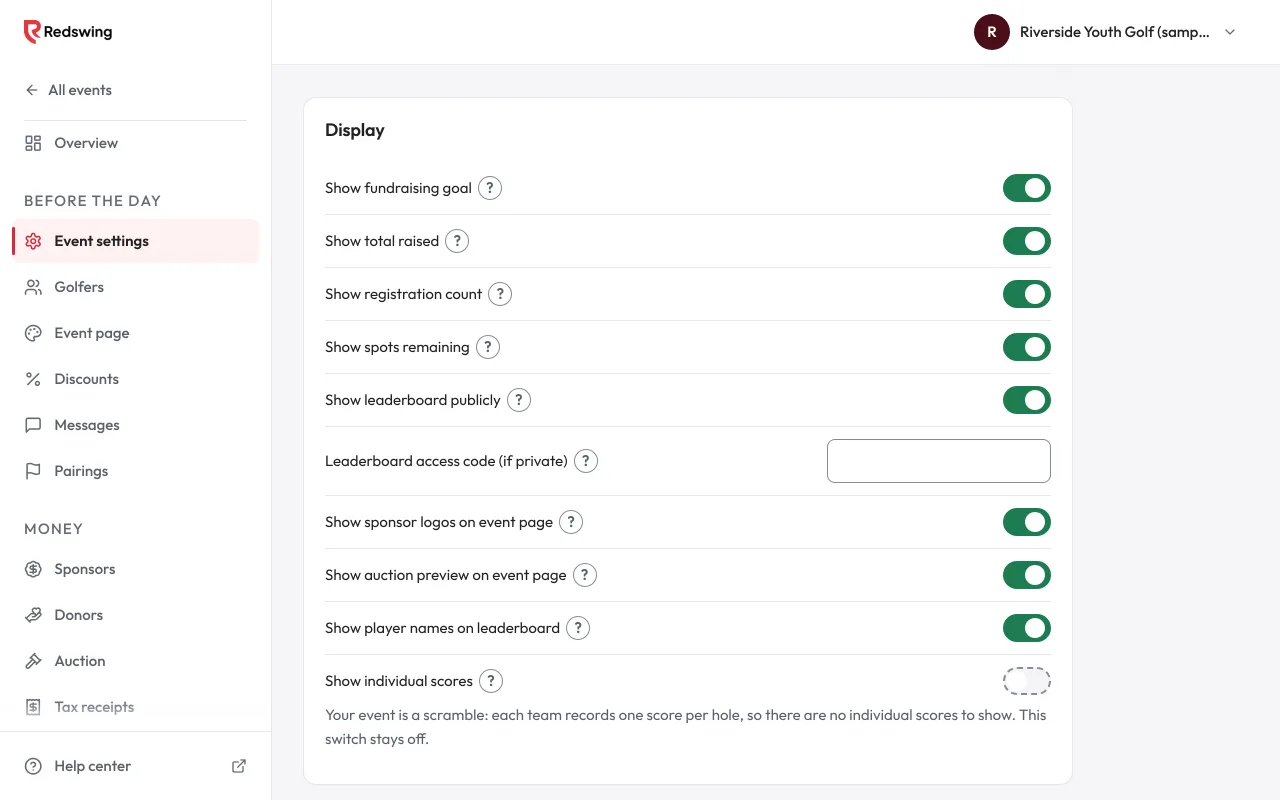
Show leaderboard publicly switch - Type a code in Leaderboard access code (if private). Use exactly 4 digits (for example 2027). The box only takes digits. Anything else shows "Use exactly 4 digits, like 2027." and is not saved, because the leaderboard asks golfers for a 4-digit code.
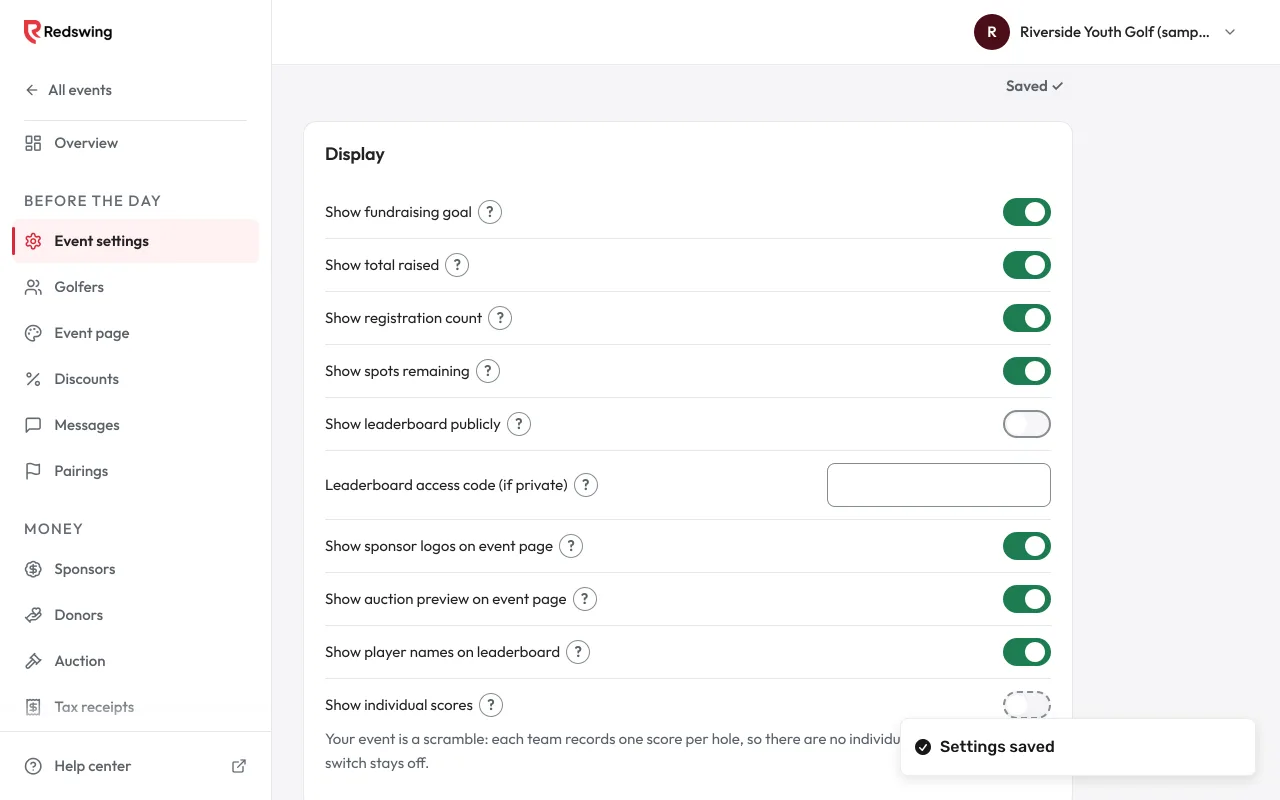
Access code field - Both settings save by themselves ("Settings saved").
Both steps are needed. With the switch off but no code, the leaderboard is still open to anyone.
What people see
- The leaderboard asks: "This leaderboard is private. Enter the 4-digit access code."
- After the right code, the code stays in the page address. A TV opened that way stays unlocked; bookmark it.
- Golfers no longer see their team's place on their scorecard while the board is private.
A code saved before codes had to be 4 digits
If you saved a code like "golf" before codes had to be 4 digits, it still works. Guests see one Access code box ("Type the code the organizer gave you.") and an Open leaderboard button instead of the number boxes. Event settings shows a note: "This code still works, but new codes are 4 digits. Please change it to 4 digits, like 2027, so guests can type it in the number boxes." If you type a different code that isn't 4 digits, you see "Use exactly 4 digits, like 2027." and it is not saved.
Open it at awards
Turn Show leaderboard publicly back on. The board is open to everyone straight away.
Related
Screenshots show a sample event. Not real data.