
Get a group's scoring link and QR code
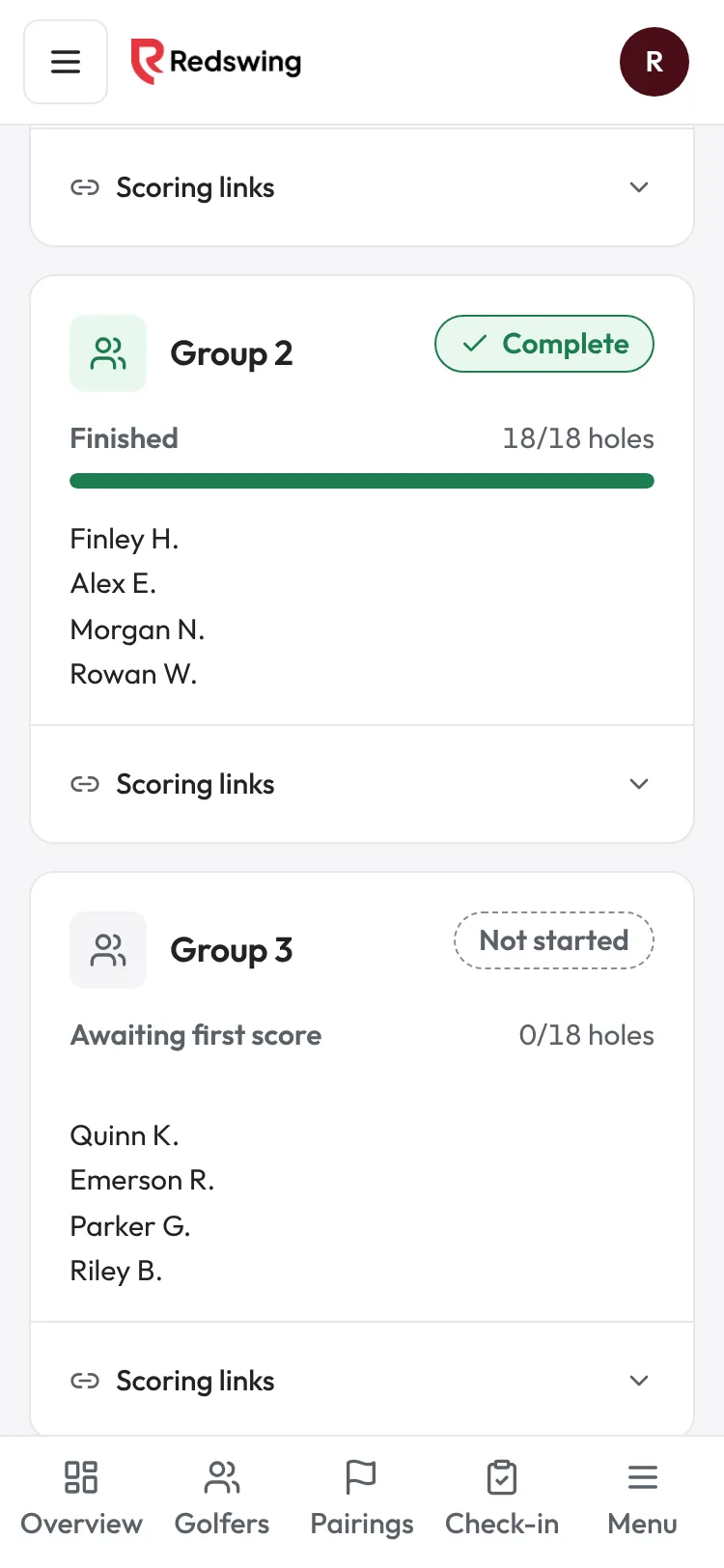
Step 1 of 3: Open Scoring. Each group has its own card.
Sample event. Not real data.
Every group scores on a phone from a link. There is no app and no login. You choose how the link reaches the group, and you can use more than one way.
Who can do this: Admin or Editor
Before you start
- Pairings are made. A golfer who is not in a group has nothing to score yet.
- Every link for a group opens the same scorecard, and several golfers in a group can score at once. You do not have to pick one scorer. See Several people scoring the same group.
Choose how groups get their link
| Way | Best when | Who it reaches |
|---|---|---|
| Group QR code on the cart or at check-in | Always works, no phone number needed | Anyone in the group who scans it |
| Text scoring links | Golfers agreed to texts at sign-up | Only golfers who agreed to texts and gave a phone number |
| Copy a link and send it yourself | A golfer asks, or texts are off | Whoever you send it to |
Most events print or show the group QR and also text the links to golfers who agreed to texts.
Get a group's QR or link
- Open Scoring in the event sidebar.
- On the group's card, tap Scoring links.
- You see the Group QR, a Copy group link button, and every golfer's own link with Copy and Open.
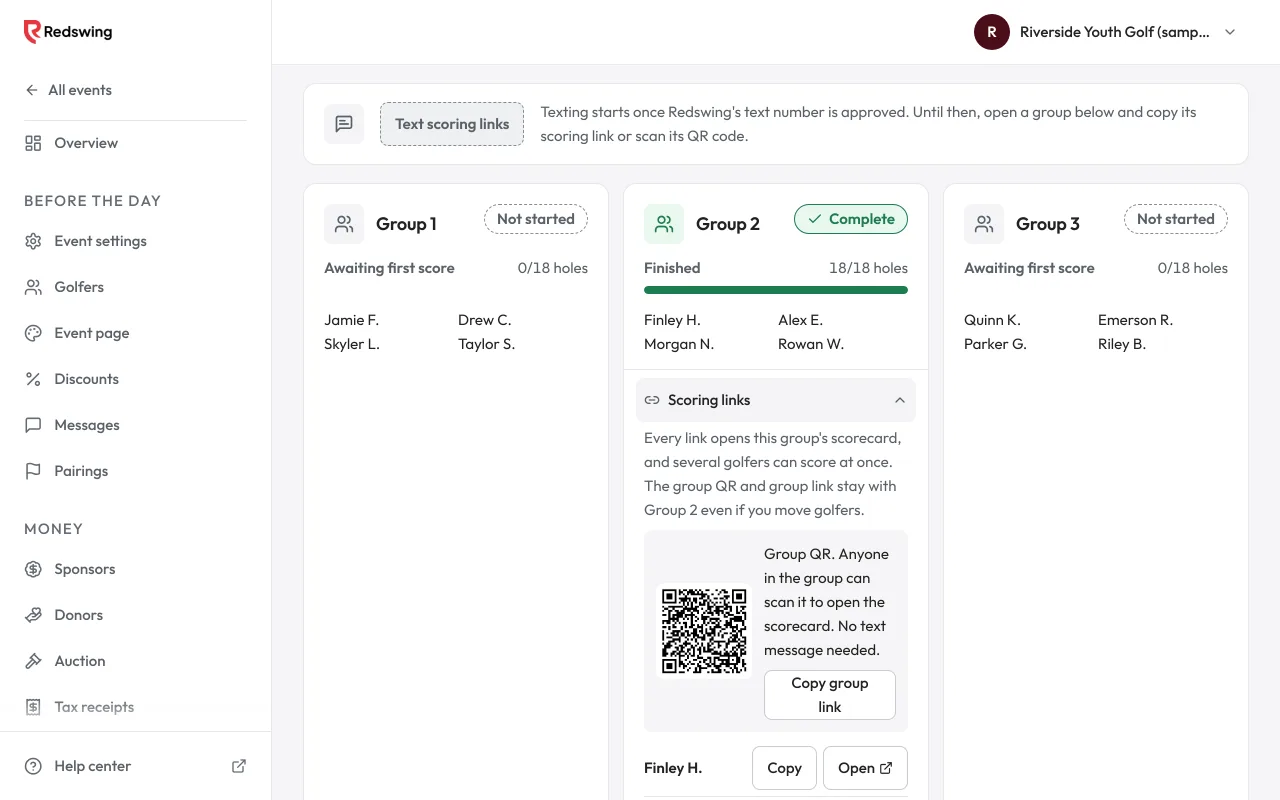
Full steps: Get a group's scoring link and QR code.
Text the links
At the top of Scoring, tap Text scoring links, check the number of golfers in the box, and confirm. Each golfer who agreed to texts gets their own link. Full steps: Text the scoring links.
Group link or personal link?
- A group link (and the group QR) always opens that group's card, even if you move golfers between groups later. Use it on cart signs.
- A personal link follows the golfer. If you move the golfer to another group, their link opens the new group's card.
What happens next
- Golfers open the link and score hole by hole. See How scoring works.
- You watch progress on Scoring: each card says Not started, Thru and a number, or Complete.
- Scores appear on the leaderboard as each hole is saved.
Common problems
| What you see | What to do |
|---|---|
| Text scoring links is greyed out | Texting is not set up yet, or no golfer agreed to texts. Use the group QR. See Scoring links aren't going out. |
| A golfer did not get a link | Show them the group QR or copy their link. See A golfer didn't get their scoring link. |
| A link says it isn't working | See A scoring link says invalid, wrong team or closed. |
Related
Screenshots show a sample event. Not real data.