
Fix a score after the round
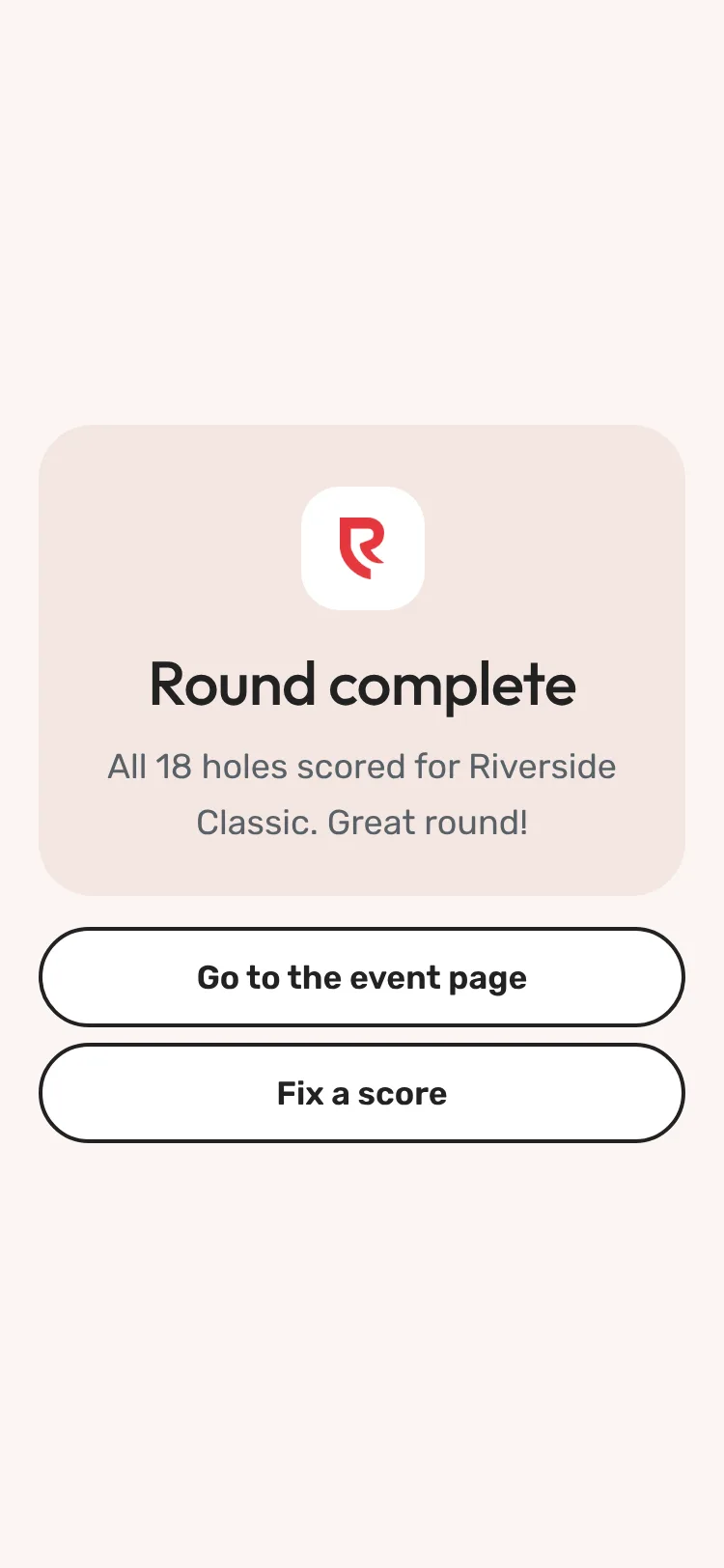
Step 1 of 5: A finished card says Round complete. Tap Fix a score to open it again.
Sample event. Not real data.
Any phone with the group's link can fix a hole. Which steps you follow depends on whether the group is still playing.
Who can do this: anyone in the group with the link; Admins and Editors through Scoring.
During the round
- On the scorecard, tap the hole's number in the row of hole numbers near the top (or Back to hole).
- Change the score with minus or plus.
- Tap Next hole. The change is saved and the card moves on. Leaving the hole any other way (tapping another hole number) also saves the change.
After the group finished (Round complete)
- Open the same link again. It says Round complete with Fix a score.
Round complete with Fix a score - Tap Fix a score. The card opens with every hole filled in.
- Tap the hole to fix.
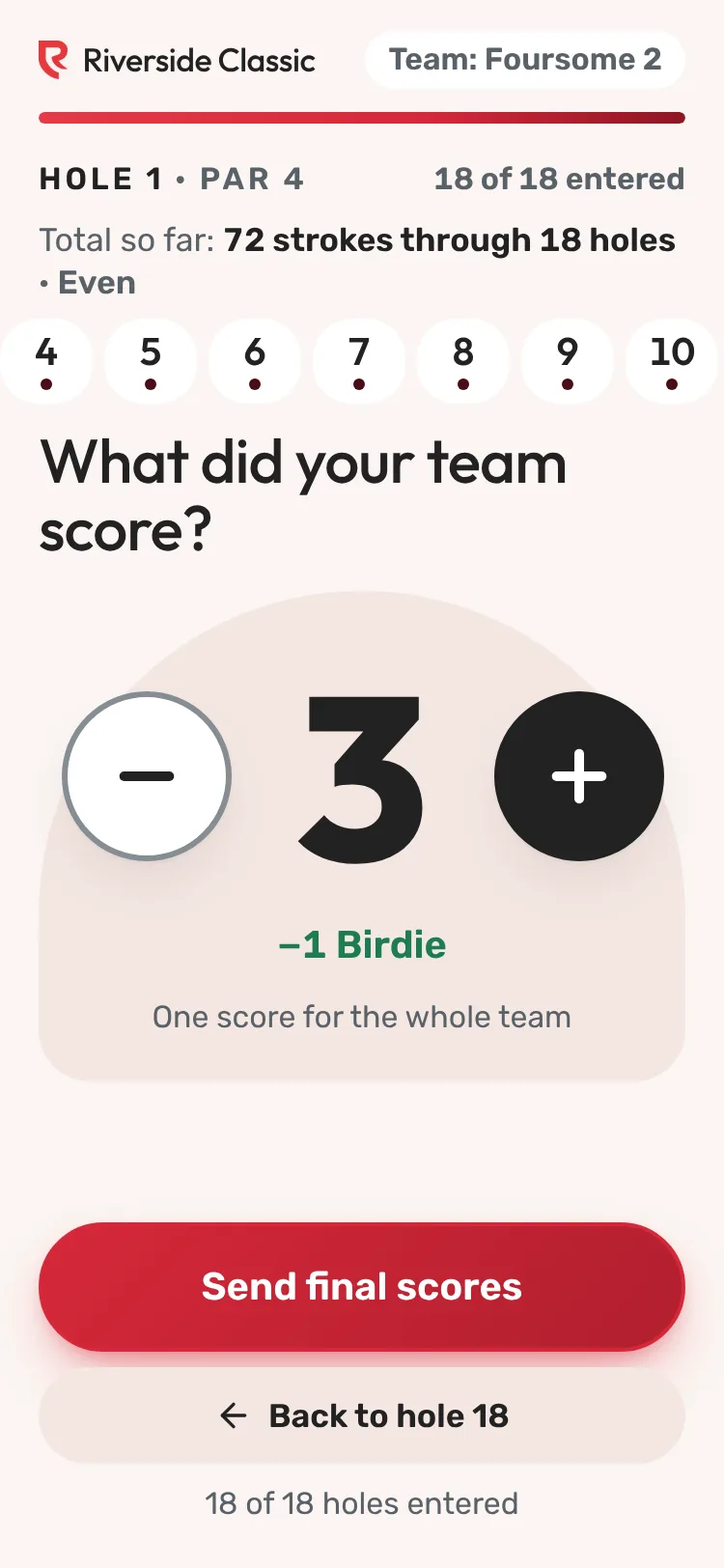
Tap the hole number - Change the score with minus or plus, then tap Next hole.
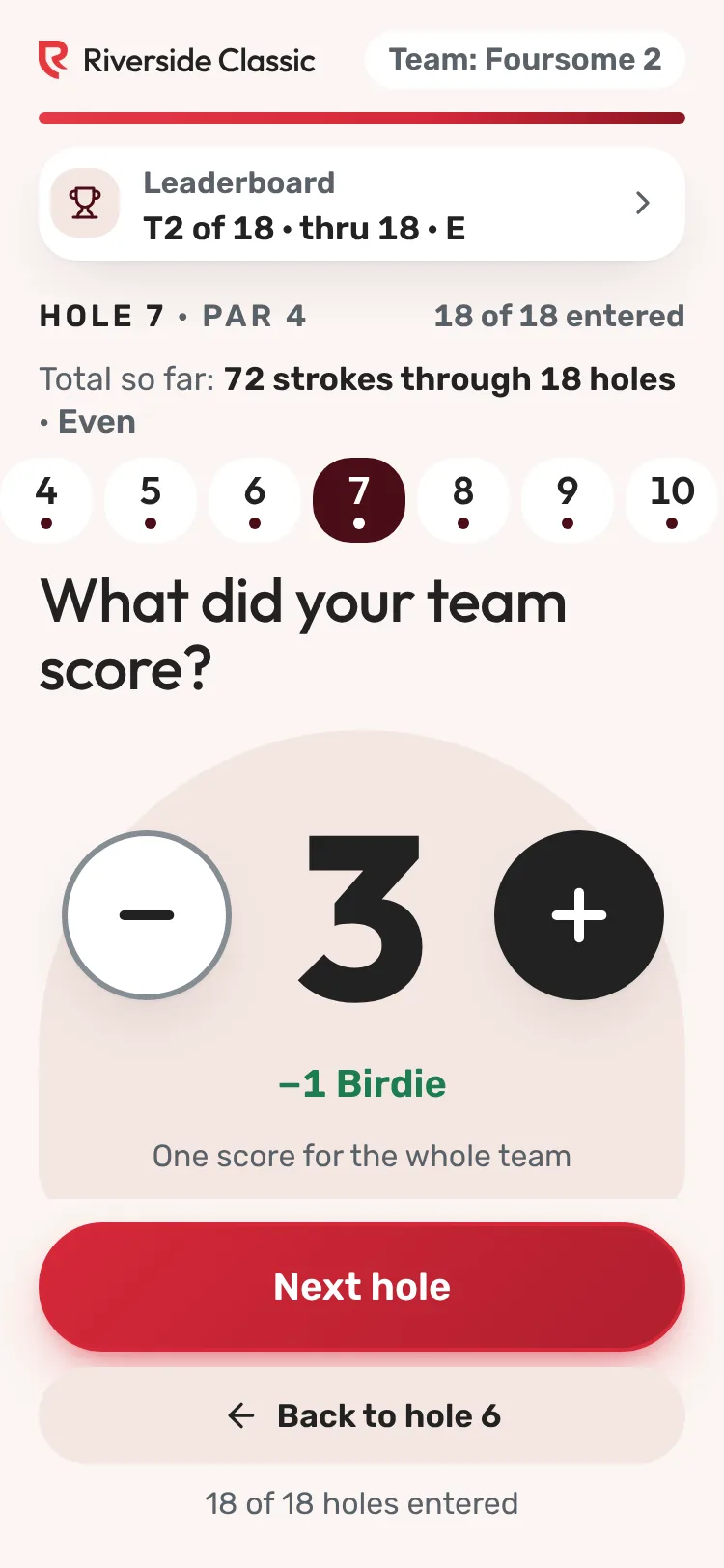
Change the score and tap Next hole - Done. The leaderboard and the group's other phones pick up the change.
A golfer still on the Round complete screen right after sending can also tap Fix a score there.
You (the organizer) fix it
There is no separate score editor in the dashboard. You fix scores the same way golfers do:
- Open Scoring and tap Scoring links on the group's card.
- Tap Open next to any golfer in the group. Their scorecard opens.
- Follow the steps above.
Or ask Ask AI. Tell it the group, the hole and the correct number (for example: Team 6, hole 4, should be 4). It shows the change and saves it only after you confirm. It can also reopen a finished card and give you the group's Fix a score link.
Scores are locked
If Allow score edits is off in Event settings, a finished group sees "Scores are locked. Ask the tournament organizer if one needs to change." and no Fix a score button. To change a score:
- Turn Allow score edits on (Event settings, Scoring card).
- Fix the hole as above.
- Turn it off again.
See Scoring options.
Common problems
| What you see | Why | What to do |
|---|---|---|
| The fix jumps back to the old number | Another phone in the group saved over it | Agree who fixes it, then fix it once more. See Two phones show different scores. |
| "Hole 7 could not be saved. Show this screen to the tournament organizer." | Scores are locked, or the link is no longer valid | Turn on Allow score edits, or check the link. |
| The hole cannot be emptied | A saved hole always keeps a number | Enter the right number instead. |
Before awards
Decide who may approve a change after the cards are in (usually the committee chair), and write down the team, hole, old and new score. See Ties and disputes.
Related
Screenshots show a sample event. Not real data.