
Send a thank-you email to every golfer
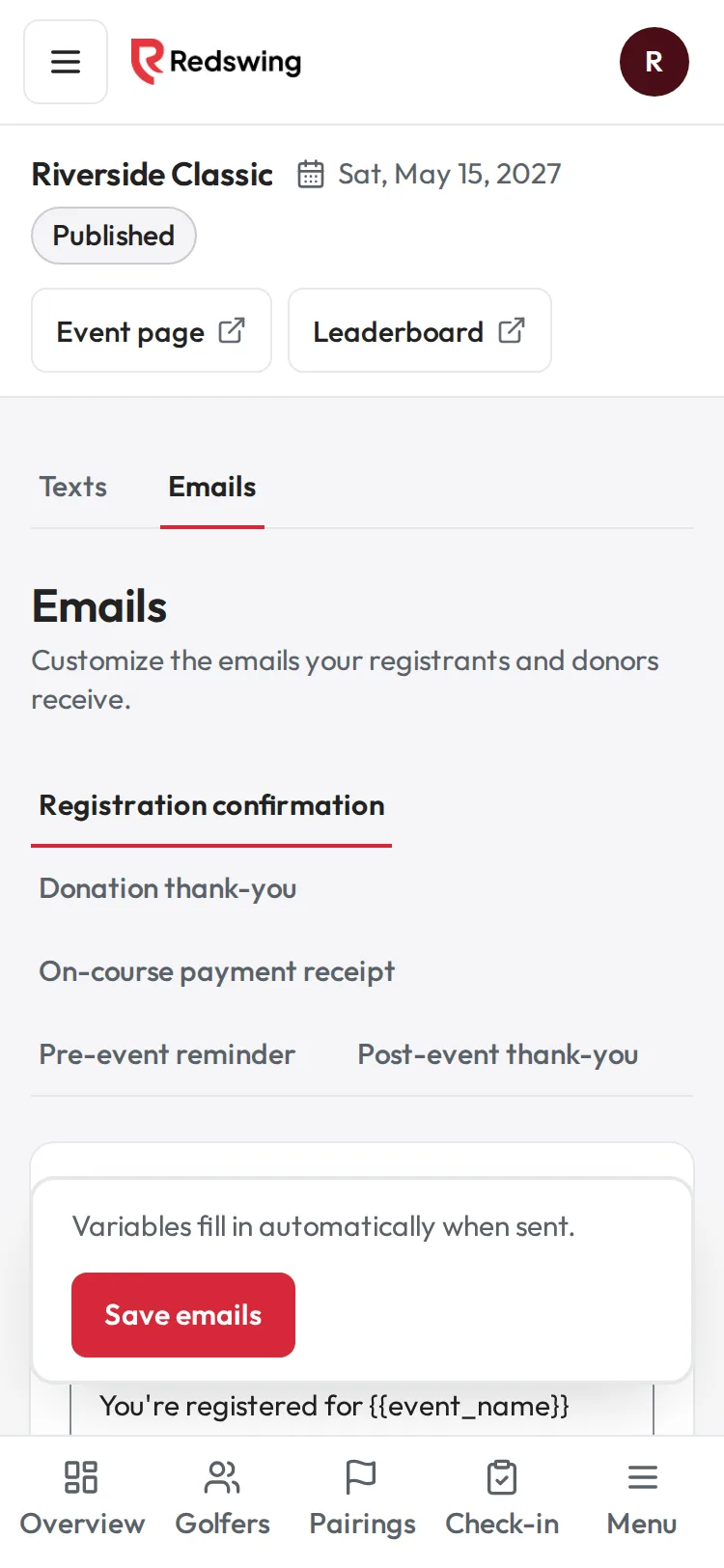
Step 1 of 3: Open Messages, then Emails. Tap Post-event thank-you.
Sample event. Not real data.
Redswing has a ready-made Post-event thank-you email with a link to the final results. You edit it and send it to everyone who signed up.
Who can do this: admins and editors.
Steps
- Open your event, choose Messages, then the Emails tab.
- Tap Post-event thank-you.
- Edit the Subject and Body. To add a detail, tap a variable under Insert a variable: {{name}}, {{event_name}}, {{total_raised}}, {{charity_name}}, {{leaderboard_url}}, {{event_url}}. The Preview shows sample names and amounts.
- Tap Send test to me to see it in your inbox. The test shows your edits, saved or not.
- Tap Send to all registrants, then OK to confirm. Your edits are saved first.
What happens next
- You see Sent to [n] registrants (and how many had opted out).
- It goes to the primary contact of every sign-up still on your list, including golfers who paid you directly and golfers you imported. Removed sign-ups are skipped. Teammates without their own sign-up don't get a separate copy.
- Every copy has an unsubscribe link; anyone who opted out of this event's emails is skipped. See Unsubscribes.
- {{total_raised}} is your event's total at the moment you send.
- Replies go to your organization's contact email.
Donors and sponsors
- Donation thank-you sends automatically to each online donor. You can edit it on the same page; switch Auto-send off to stop it.
- Sponsors aren't on the registrant list. Thank them yourself, and send each one their sponsor report from Sponsors (Generate sponsor reports).
Common problems
| What you see | What to do |
|---|---|
| No golfers with an email yet. | No sign-up on your list has an email. Add emails on Golfers. |
| Sent to fewer people than you expected | Only primary contacts get it, and opted-out addresses are skipped. |
| You want to send it twice | You can, but everyone gets it again. Send a test first. |
Screenshots show a sample event. Not real data.