
Fix a score after your round
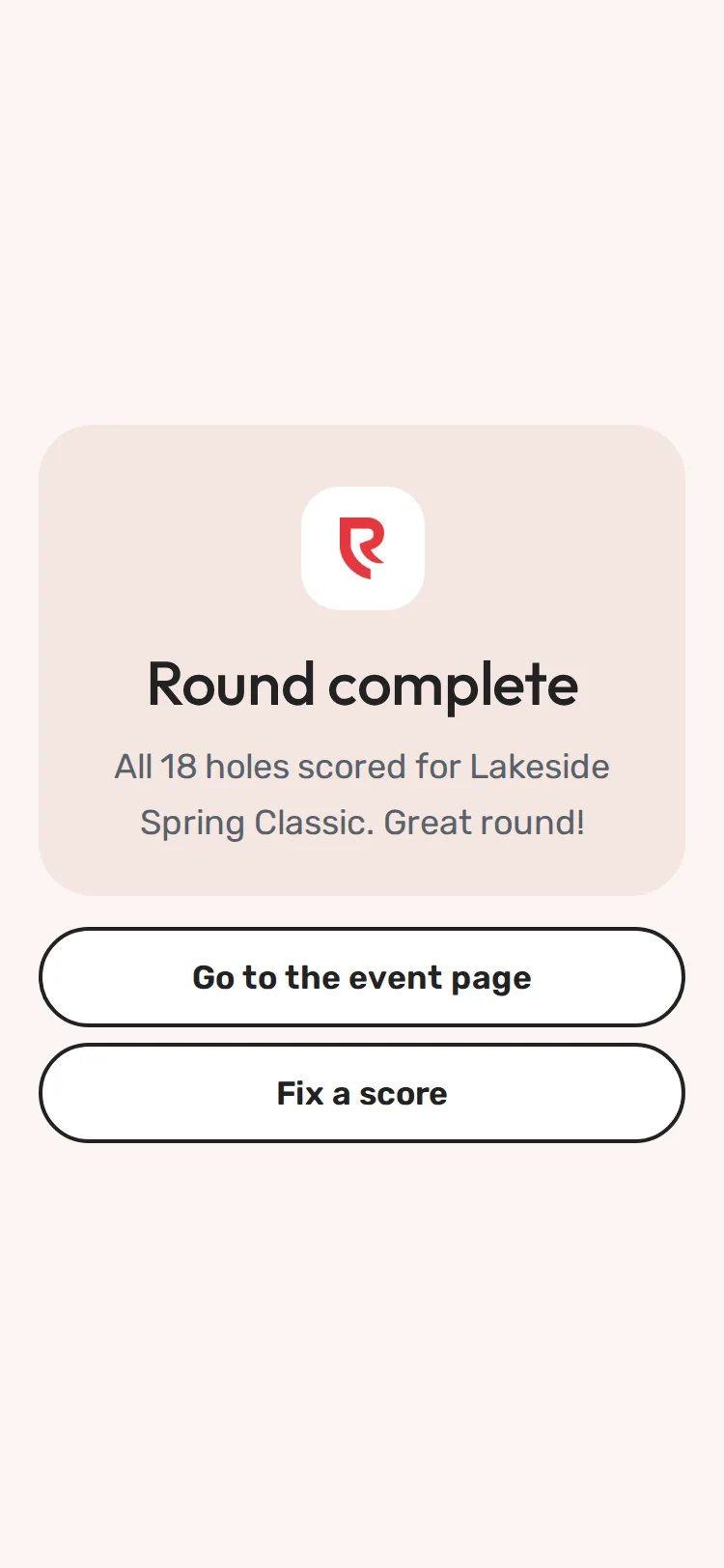
Step 1 of 5: After the last hole you see Round complete. Tap Fix a score.
Sample event. Not real data.
Entered the wrong number? You can fix it yourself, during the round or after you've sent your final scores.
During the round
- Tap the hole's number in the strip near the top (or Back to hole [n]).
- Tap − or + until it's right.
- Move on (Next hole, or tap another hole number). The change is saved when you leave the hole.
After you sent your final scores
- Open your scoring link again. You see Round complete. Tap Fix a score.
- Your scorecard opens. Tap the number of the hole to change.
- Tap − or + until the number is right.
- Tap Next hole (or another hole number). The change is saved. You don't need to send your final scores again.
What happens next
The leaderboard and every phone in your group pick up the new number.
Common problems
| What you see | What to do |
|---|---|
| Round complete … Scores are locked. Ask the tournament organizer if one needs to change. | The organizer turned off score edits. Ask them to change the hole. |
| Scoring has closed | The event has ended. Ask the organizer. |
| The number goes back to the old one | Someone else in your group changed it at the same time. Agree who fixes it, then fix it once more. |
Still need help? Your tournament organizer can fix this. Reply to your confirmation email (replies go to the organizer), or ask at the check-in desk on the day.
Screenshots show a sample event. Not real data.