
Reserve a spot and pay the organizer
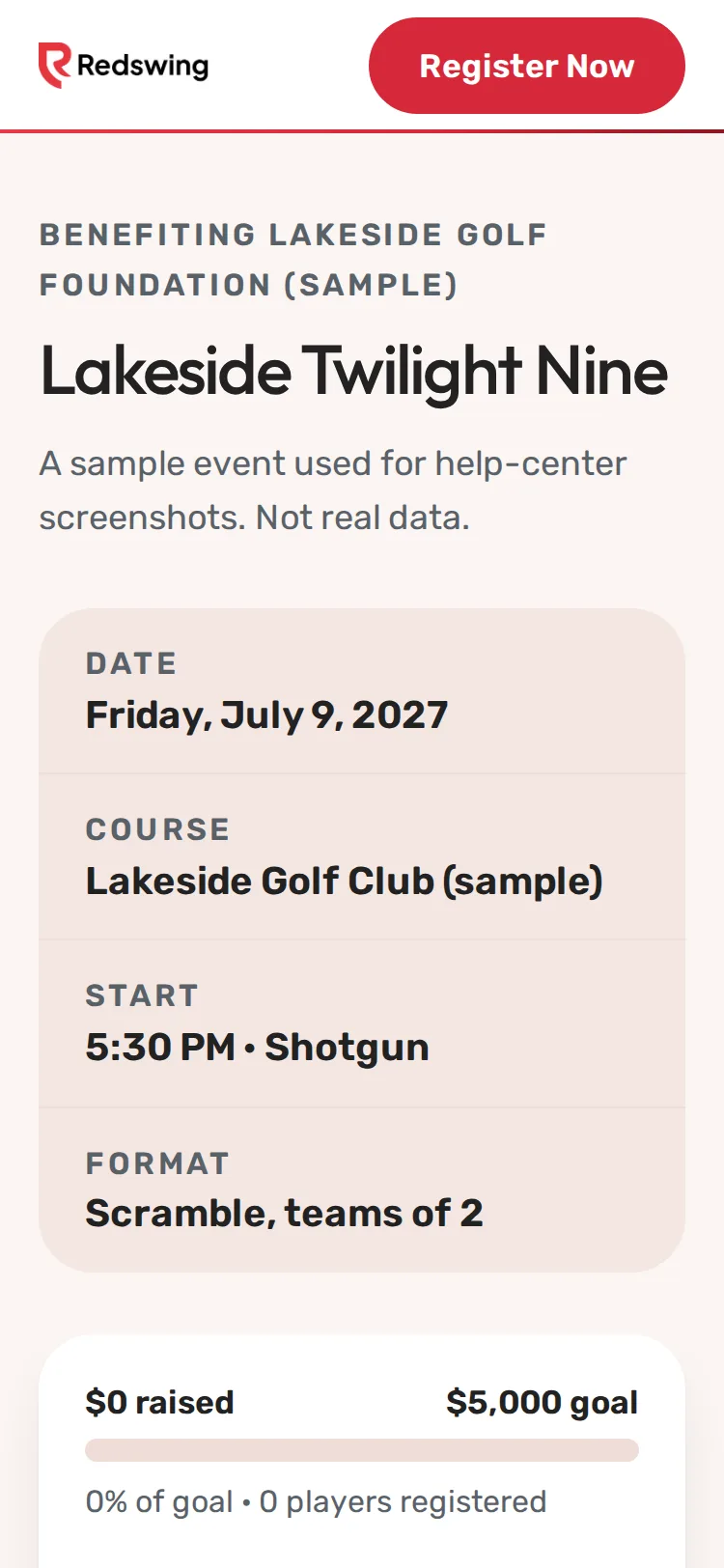
Step 1 of 9: Open the event page and tap Register Now.
Sample event. Not real data.
Some organizers don't take cards online. You still sign up online, and your spot is saved. Then you pay the organizer the way they ask.
How you can tell
- The event page says Reserve online, then pay the organizer directly (cash, check or their link).
- On the last step of the form there's no card form, and the button says Reserve my spot · $...
- No Redswing booking fee is added.
Steps
- Open the event page and tap Register Now.
- Choose Team or Individual, then tap Next.
- Fill in the primary contact and each player's name, then tap Next.
- Add extras if you want them, then tap Reserve my spot.
- The next screen shows Amount to pay the organizer and the organizer's payment instructions. Take a screenshot or write them down.
What happens next
- Your spot is saved. The organizer will confirm once they receive your payment.
- Until then, the organizer's list shows you as waiting to be paid. You can still check in and play once you're in a group.
- If the screen shows no instructions: Ask the organizer how to pay (cash, check or their own link).
Common problems
| What you see | What to do |
|---|---|
| You closed the page before writing down the instructions | Ask the organizer how to pay. They can see your sign-up. |
| You paid but you still show as waiting | The organizer marks you paid when they get your money. Remind them. |
| You'd rather pay by card | This event isn't taking cards online. Ask the organizer. |
Still need help? Your tournament organizer can fix this. Reply to your confirmation email (replies go to the organizer), or ask at the check-in desk on the day.
Screenshots show a sample event. Not real data.