
Golfers check themselves in
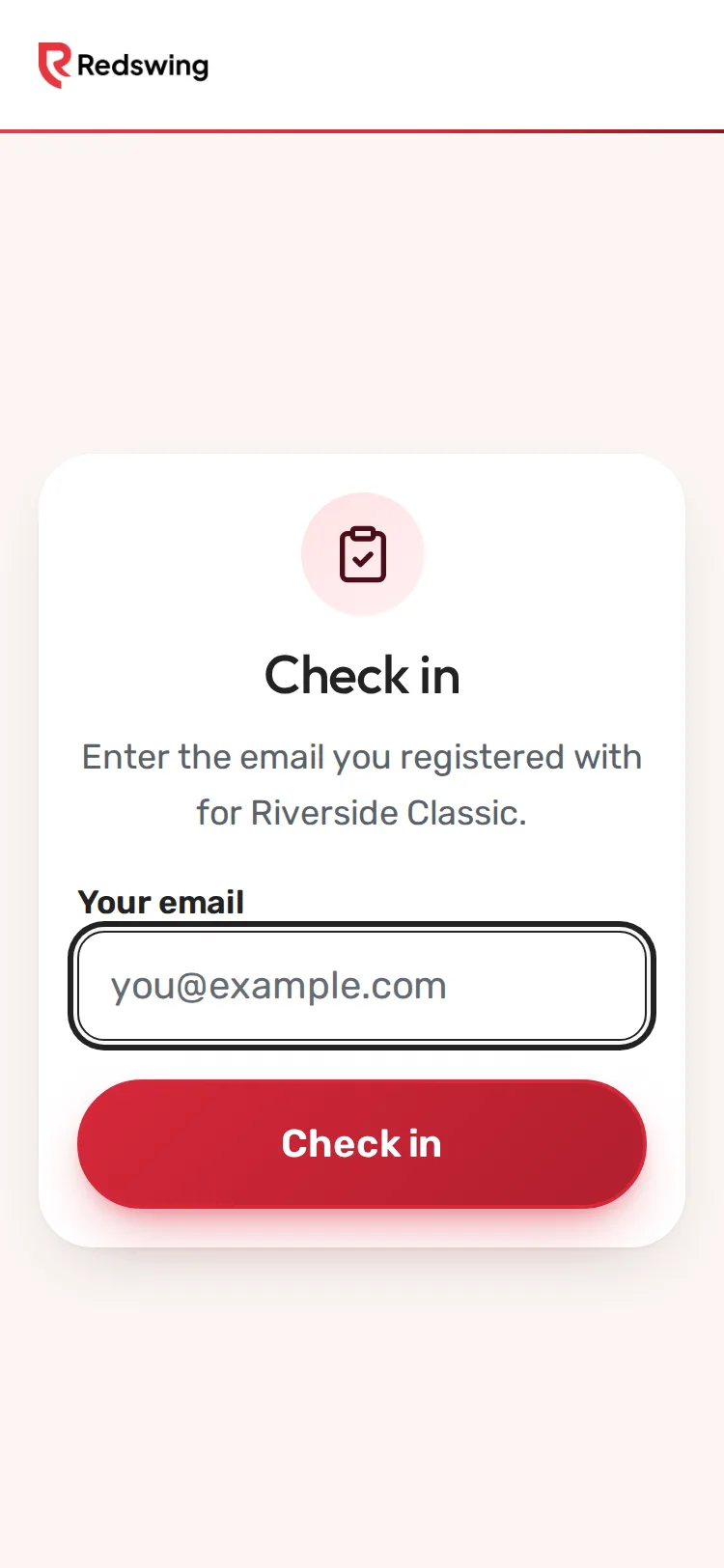
Step 1 of 4: Golfers type the email they signed up with.
Sample event. Not real data.
The kiosk is a public page. Golfers type the email they signed up with and they are checked in. No login, and it shows no money.
Who can do this: Admin or Editor sets it up; golfers use it. You will need: a tablet or phone with signal, or a printed QR code.
Before you start
- Each golfer needs an email on their sign-up. Golfers you added without an email cannot use the kiosk; check them in on Check-in.
- Keep a volunteer nearby for golfers who cannot find their email.
Set it up
- Open Check-in. The Self-check-in kiosk card shows a QR code and the kiosk link.
- Choose one:
- Tablet at the desk: open the kiosk link on the tablet and leave it on that page.
- Printed QR: print the QR (right-click or press and hold it to save the picture) and tape it to the table. Golfers scan it with their own phone.
What golfers do
- Type the email they signed up with in Your email.
- Tap Check in. They see You're checked in! and their name.
- If teammates are not checked in yet, a button offers Check in my whole team with the number left.
- Check in another golfer clears the screen for the next person.
Which golfer gets checked in
- If the email belongs to a golfer, that golfer is checked in.
- If it is the email of the person who signed the team up, that person is checked in, and the team button offers the rest.
What happens next
Kiosk check-ins show on your Check-in page and the Overview count, the same as ones you do yourself. Reload Check-in to see them.
Common problems
| What the golfer sees | What to do |
|---|---|
| "We couldn't find a registration for that email. Please see the registration desk." | They used another email, or a teammate signed them up. Find them on Check-in by name. |
| The page is blank or will not load | The tablet has no signal. Use Check-in on a phone with signal, or your printed list. |
Related
Screenshots show a sample event. Not real data.