
Undo a check-in
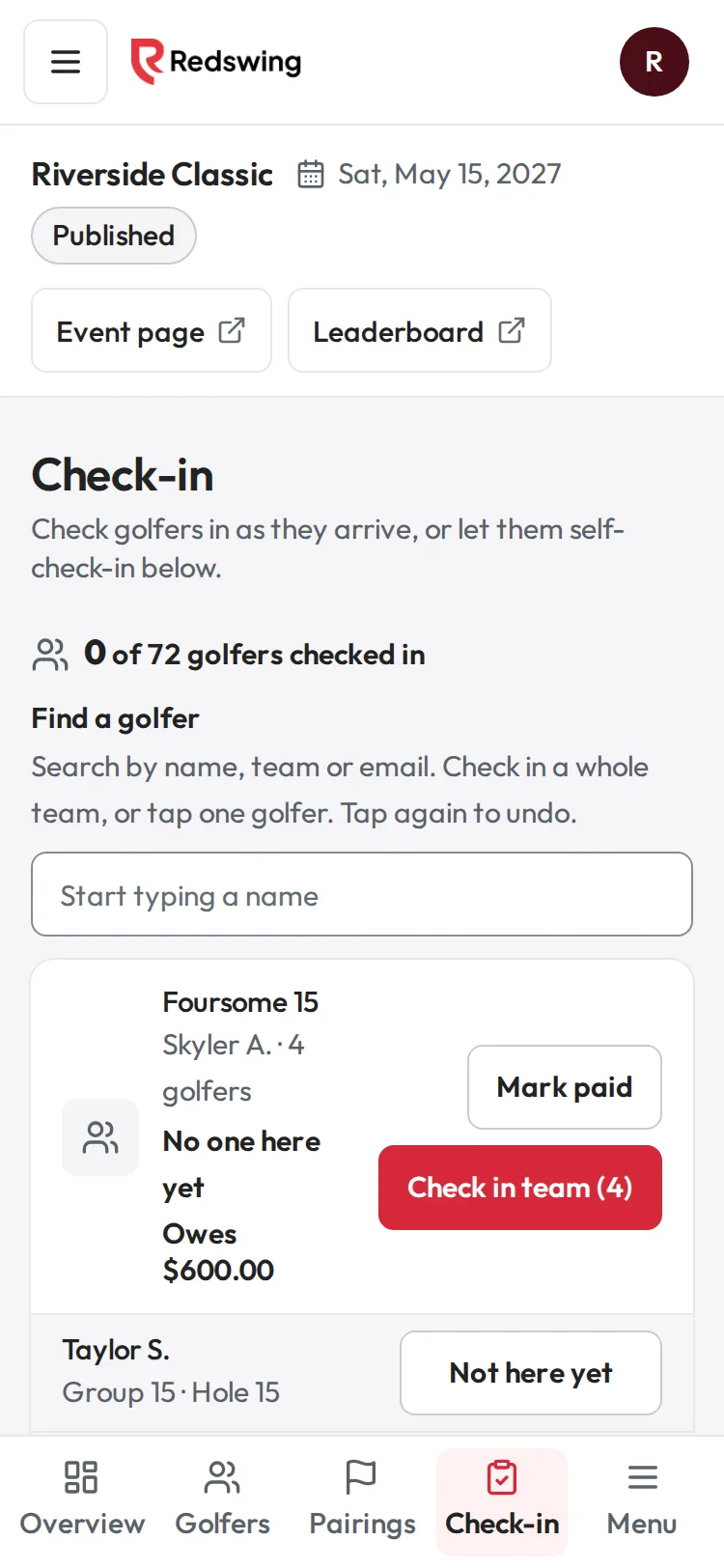
Step 1 of 4: Open Check-in and search for the team.
Sample event. Not real data.
Who can do this: Admin or Editor
Steps
- Open Check-in and find the team or golfer in Find a golfer.
- Tap the green Team checked in (or Checked in) button.
- The team goes back to No one here yet, or the golfer back to Not here yet.
To undo one golfer on a team, tap that golfer's own green Checked in button.
Undoing a check-in changes nothing else: payments, groups and scores stay as they are.
Related
Screenshots show a sample event. Not real data.