
Each event has one checklist. It lists the steps in the order a tournament is run, and groups them by when to do them: This week, Coming up and Later, worked out from your event date. Every step ticks itself off when Redswing sees it done, so it looks the same on every computer and phone.
Who can do this: anyone on your team can look; Admins and Editors do the jobs.
Where to find it
- Home shows the checklist for your next event, under Next up.
- Each event's Overview shows its checklist (except on event day, when the Overview switches to the day-of buttons).
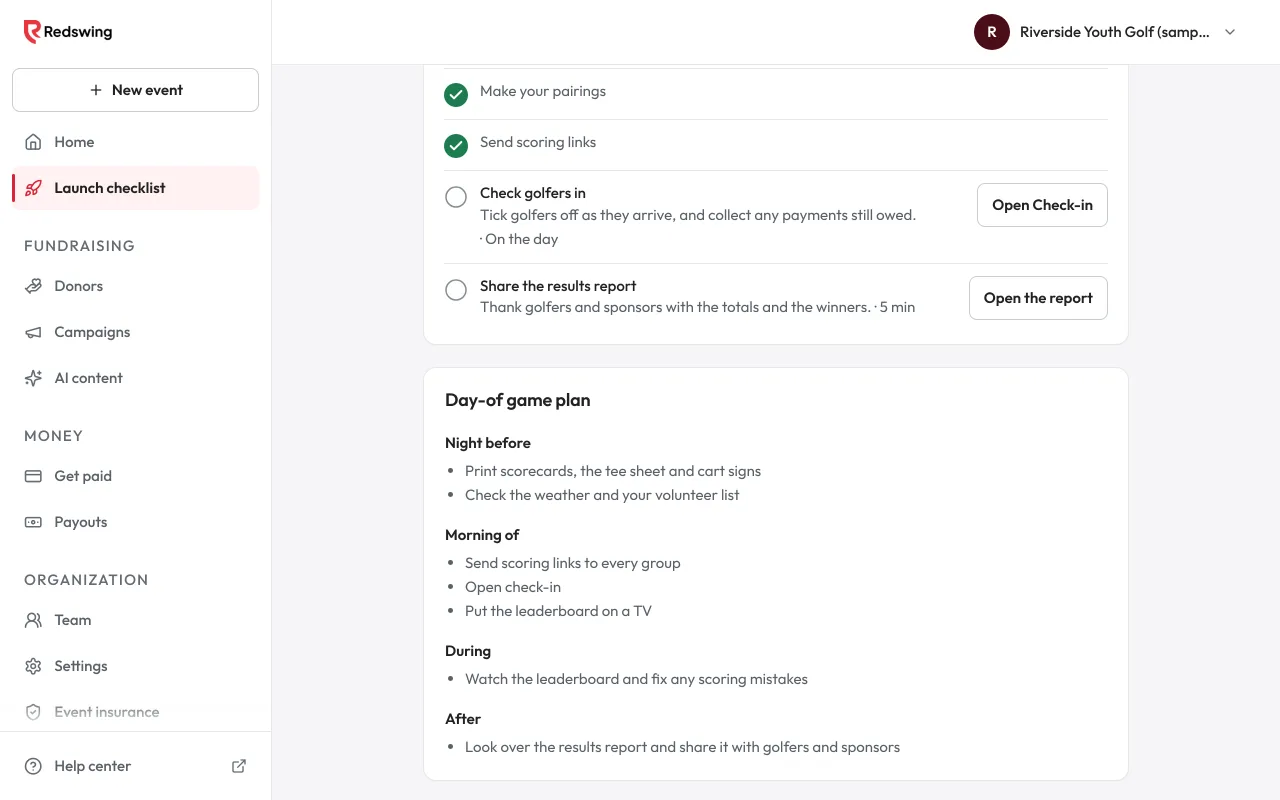
- Launch checklist in the sidebar, or the Launch checklist button at the top of Home, shows the checklist for each upcoming event, then a day-of game plan.
The steps
| Step | Ticks off when | When it shows up |
|---|---|---|
| Set your price | A price is set, or the event is published | Right away |
| Publish your event page | The event is published | Right away |
| Share your link | You copy, download or share the link, or golfers sign up | Right away |
| Say what golfers receive (paid events) | You enter what each golfer gets, for tax receipts | Right away |
| Pick your course from the list | The course is picked from the course list | Right away. Card payments need it too. See Find and link your course. |
| Add sponsors (optional) | You have a sponsor | About 8 weeks before |
| Take card payments (optional) | Your Square account is approved and connected | About 6 weeks before. Until then golfers can pay you directly. See Connect your Square account. |
| Get your first golfers | Someone signs up or you add a golfer | About 4 weeks before |
| Make your pairings | The event has groups | About 2 weeks before. See Make your pairings. |
| Send scoring links | A group enters a score | On the day |
| Check golfers in | A golfer is checked in | On the day |
| Share the results report | The event is marked finished | After the event |
A step moves into This week when it is due within 7 days, or late. Coming up is the next 6 weeks; the rest is Later. Optional steps say so and do not count toward the progress bar. Once the event has passed, steps for before and on the day that were never done drop off.
While your organization's details are being checked for card payments, Take card payments says so and shows how long it usually takes.
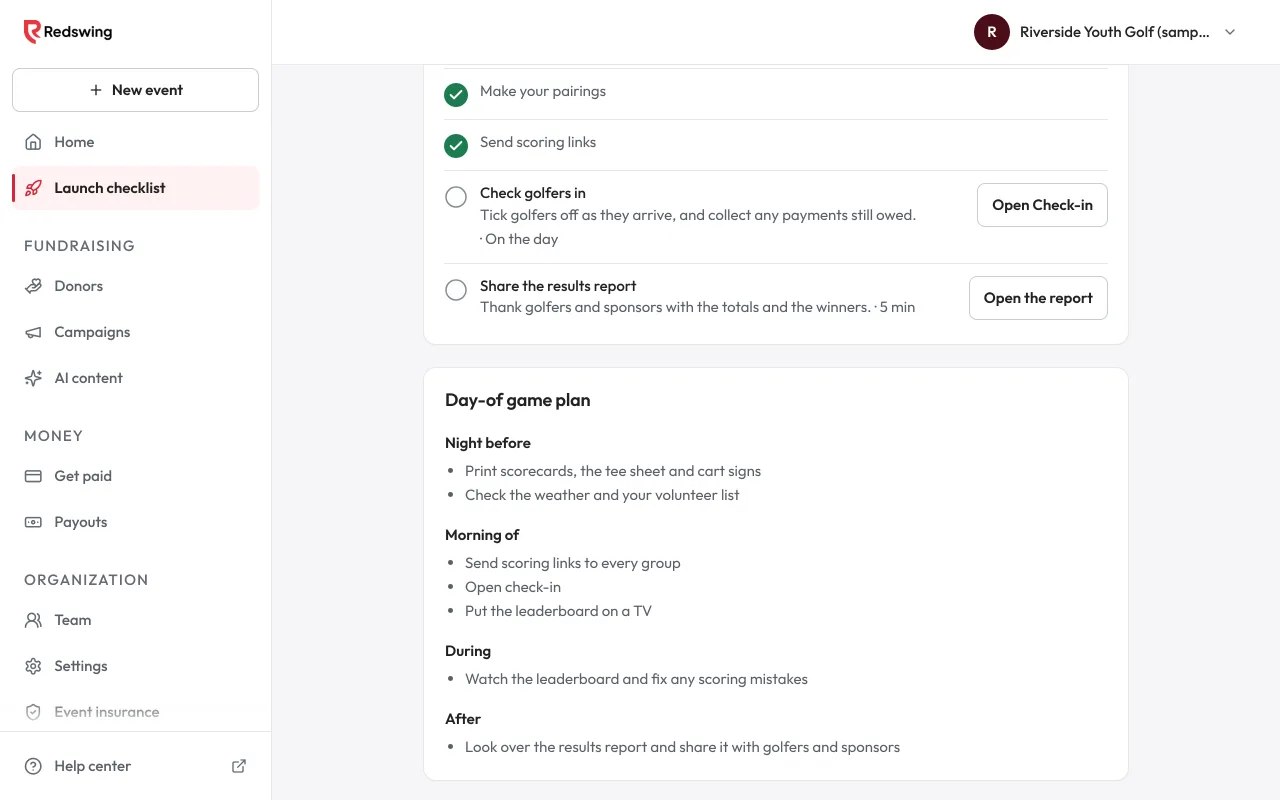
Day-of game plan
Under the checklists, a short plan for event day:
- Night before: print scorecards, the tee sheet and cart signs; check the weather and your volunteer list. See Print the tee sheet, cart signs and scorecards.
- Morning of: send scoring links to every group, open check-in, put the leaderboard on a TV. See Give every group its scoring link.
- During: watch the leaderboard and fix any scoring mistakes.
- After: look over the results report and share it. See The after-event checklist.
For a fuller list, see The day-before checklist and The event-morning checklist.
Common problems
| What you see | Why | What to do |
|---|---|---|
| Take card payments stays open | Your Square account is not approved and connected yet | Open Get paid to see the status. You can still go live: golfers reserve a spot and pay you directly. |
| Pick your course from the list stays open | The course was typed by hand | Click Pick your course. If your course is not in the list, see Enter your course and pars by hand. |
| Share your link stays open | The link was shared outside Redswing and nobody has signed up yet | It ticks off with the first sign-up, or use Copy link on the Overview. |
Related
Screenshots show a sample event. Not real data.