
See who asked to be told when registration opens
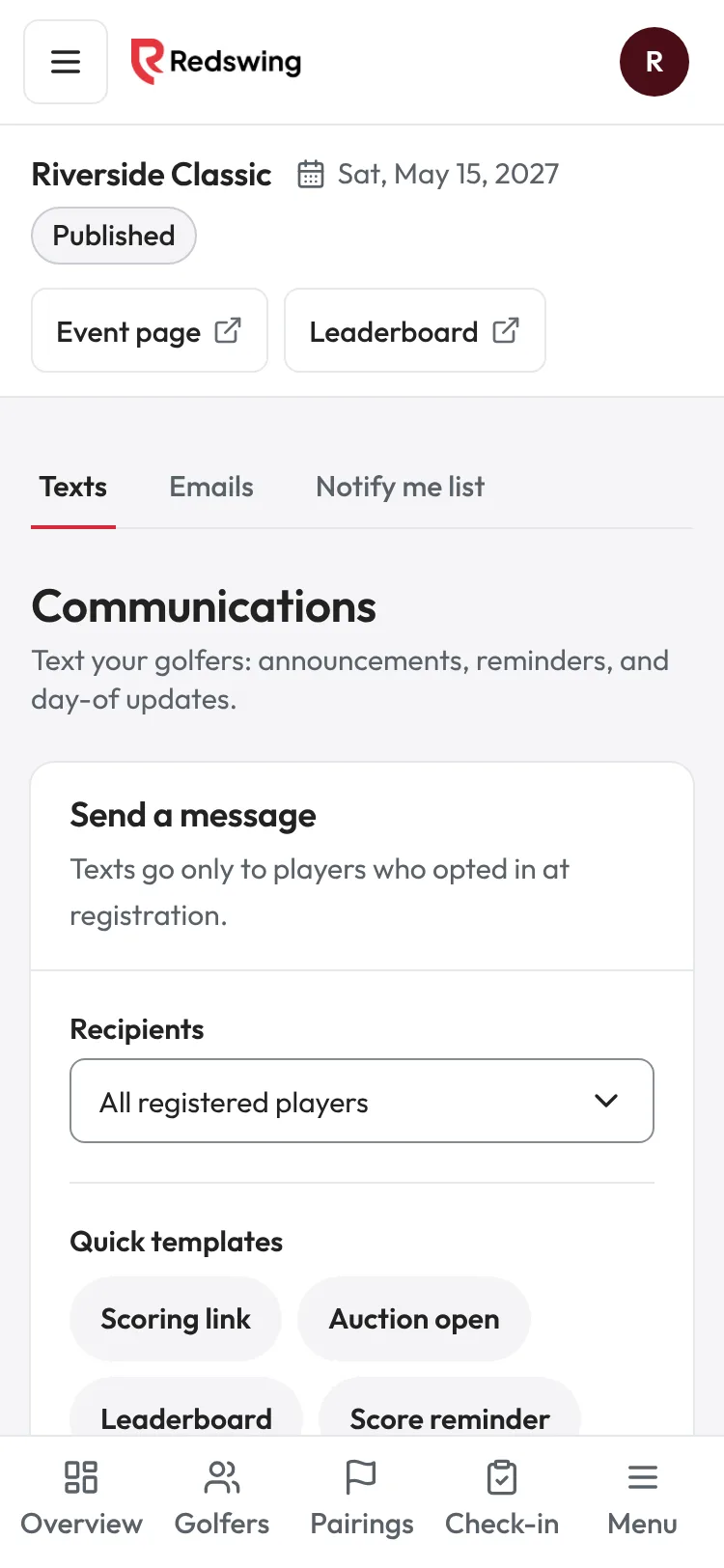
Step 1 of 2: Open Messages, then the Notify me list tab.
Sample event. Not real data.
While your sign-up page is live but cannot take sign-ups yet (for example, before your Square account is connected), golfers can leave their email under Notify me when registration opens. You can see who did, and Redswing emails them when registration opens.
Who can do this: anyone on your team can look.
See the list
- Open your event.
- Open Messages, then the Notify me list tab (next to Texts and Emails).
- You see each person's Name, Email, Asked on (the date they asked) and Emailed: "Emailed" with a date, "Not emailed yet" or "Unsubscribed".
- Tap Download CSV to get the list as a spreadsheet.
If nobody has asked yet, the page says Nobody on the list yet.
The email Redswing sends
When registration opens, each person on the list gets one email, "Registration is open: [event]", with the link to your sign-up page. It is sent within about 15 minutes. Replies go to you.
Registration counts as open when your event is published, registration is open and not past your close date, and your event can take sign-ups (cards connected, or golfers can pay you directly). That happens when you publish, when you connect Square, when you turn on letting golfers pay you directly, when your account is approved, or when you move the close date later.
Good to know
- Nobody gets the email twice.
- People who unsubscribed from your event emails are skipped and show "Unsubscribed".
- If an email could not be sent, the person still shows "Not emailed yet", and Redswing tries again on the next run.
- The list does not hold a spot. People still sign up on your event page like everyone else.